Room Editor
A powder room in 3D that you can repaint live. Pick real paint colors, see them under four kinds of light, and leave with a shopping list.
Context
Picking paint for a small room usually means taping chips to the wall and guessing. Room Editor rebuilds a real powder room in 3D, 5′6″ by 5′0″ with a 9′ ceiling, and lets you repaint every surface in it: walls, trim and crown, ceiling, door, wainscot, the vanity cabinet, even the porcelain.
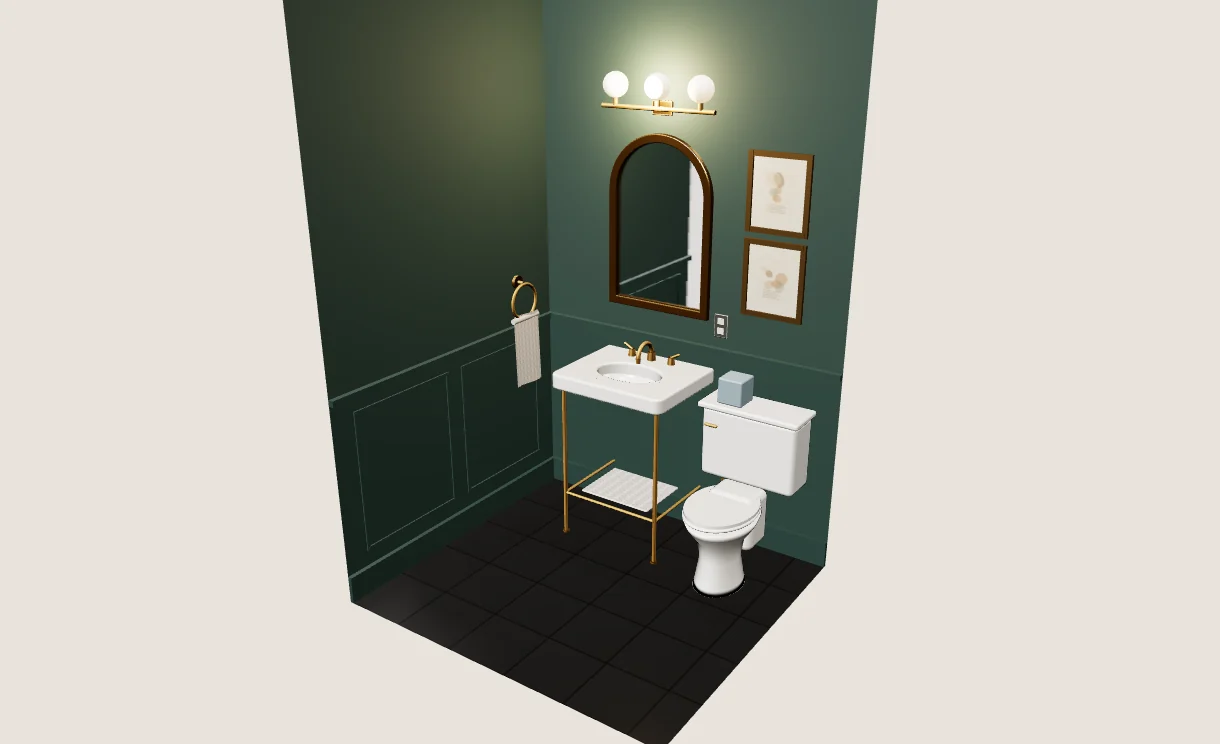
The room as it is, rendered live in the browser.
Problem
A two-inch chip under store lighting says little about a whole wall in a windowless room lit by vanity bulbs. Color shifts with the light, the finish and whatever sits next to it. The goal was to let someone see a scheme in the actual room before buying anything, and to know how much to buy once they do.
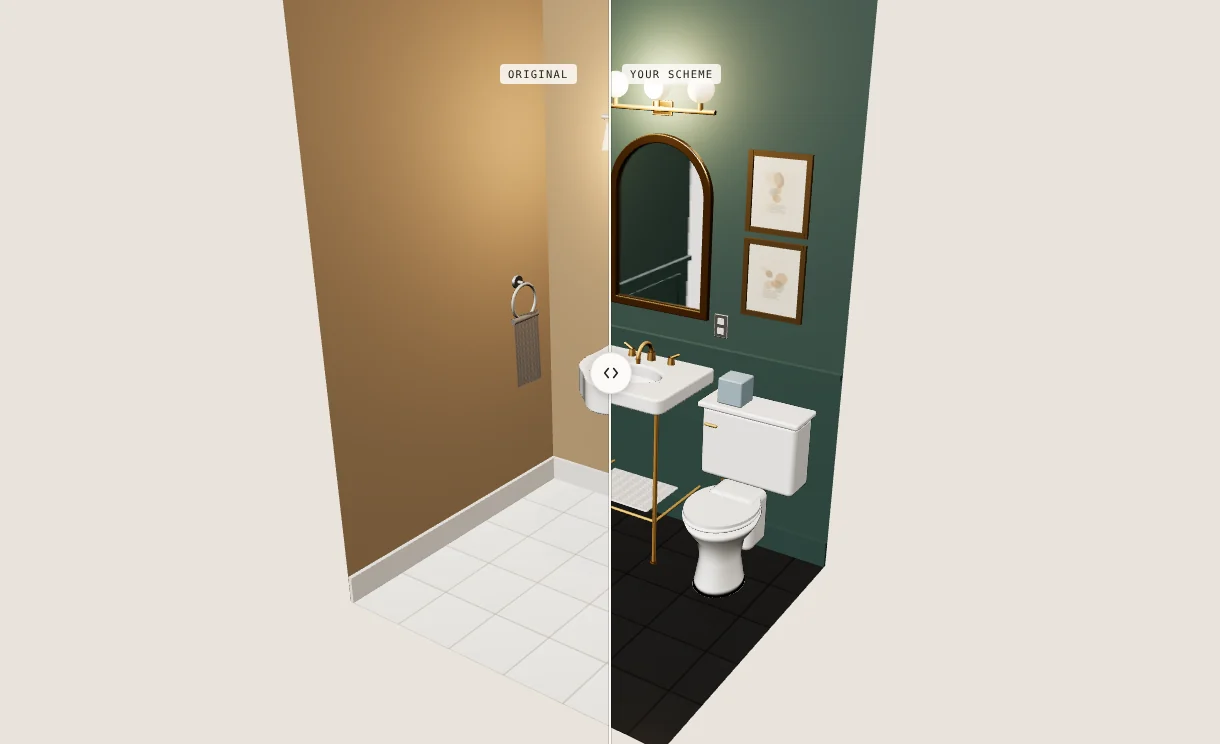
Drag the split across the room: the original on one side, your scheme on the other.
Role & Approach
I designed and built it myself with Three.js. The room is the main view and the editor sits beside it, with three tabs: Edit for every surface, Schemes for saving and comparing, and Room & estimate for light, size and how much to buy. Click anything in the room to select it, or jump between preset views: the corner, the sink wall, the toilet, standing inside and looking down.
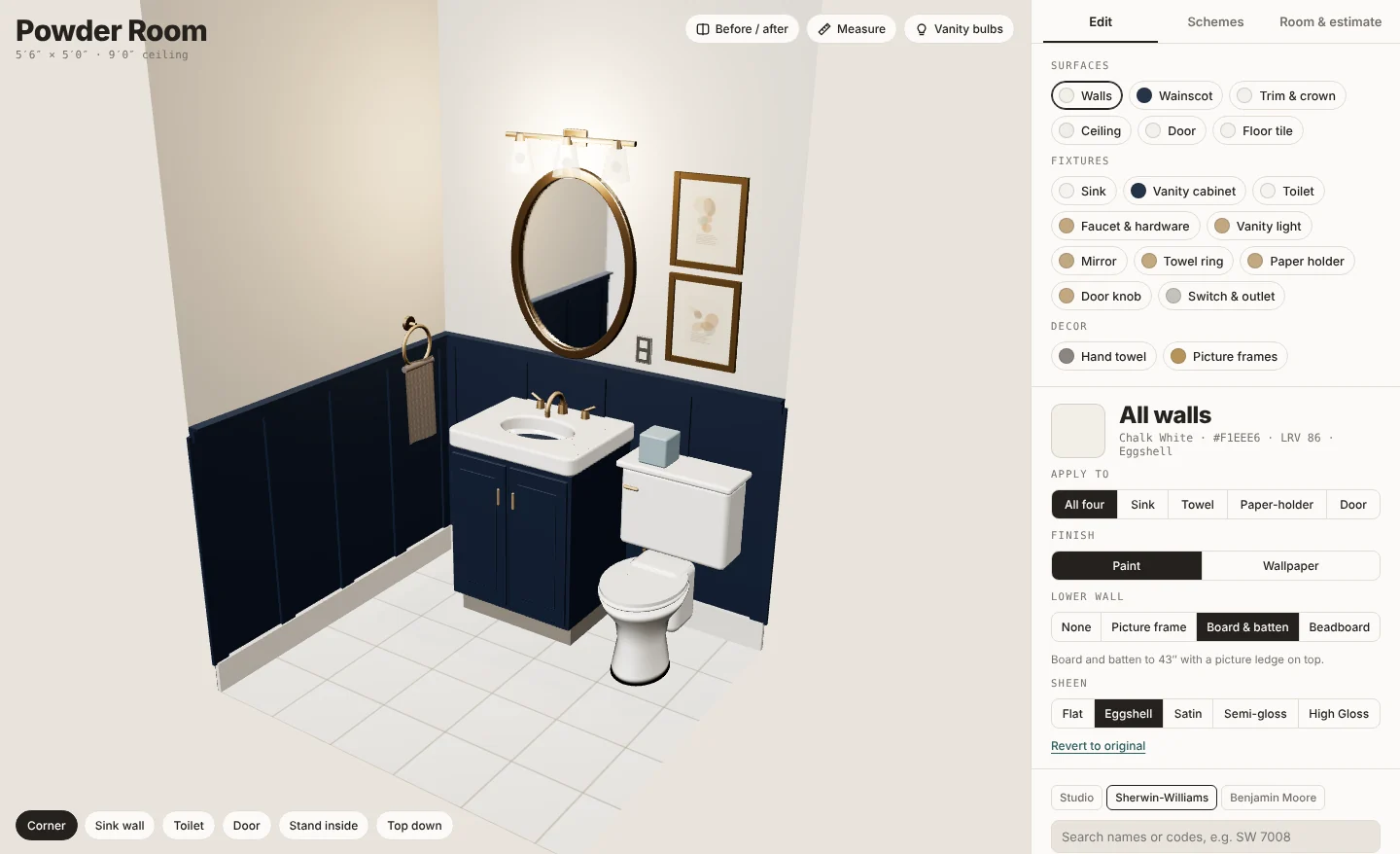
The Edit tab: every surface, with its color, finish and deck.
Options
Colors come from three decks: a studio palette, plus the Sherwin-Williams and Benjamin Moore colors people ask for by name, each with its number. Walls take paint or wallpaper, and finishes run from flat to high gloss. The room’s architecture changes too: crown, baseboard, door casing, a ceiling of beadboard or beams, and molding on the lower and upper walls. Every fixture swaps out, from the sink, toilet and faucet to the mirror, light, towel holder and door hardware, each in its own metal finish.
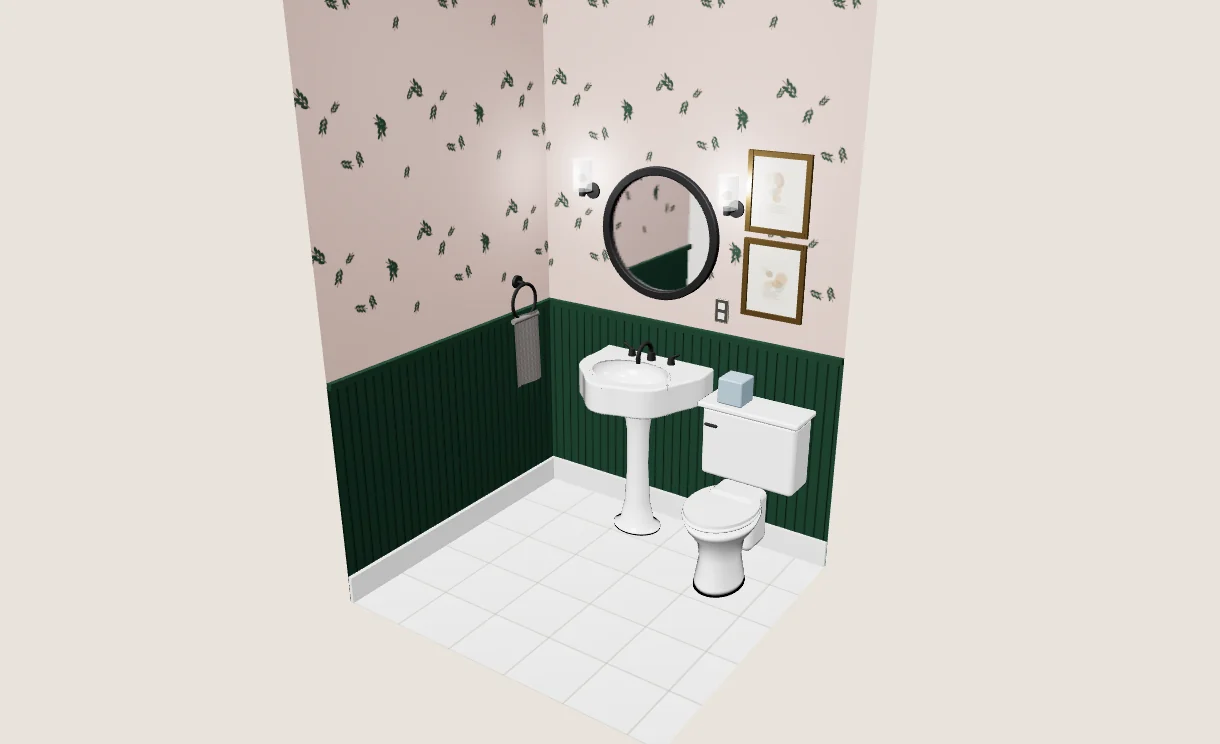
Wallpaper above the wainscot, with paint below.
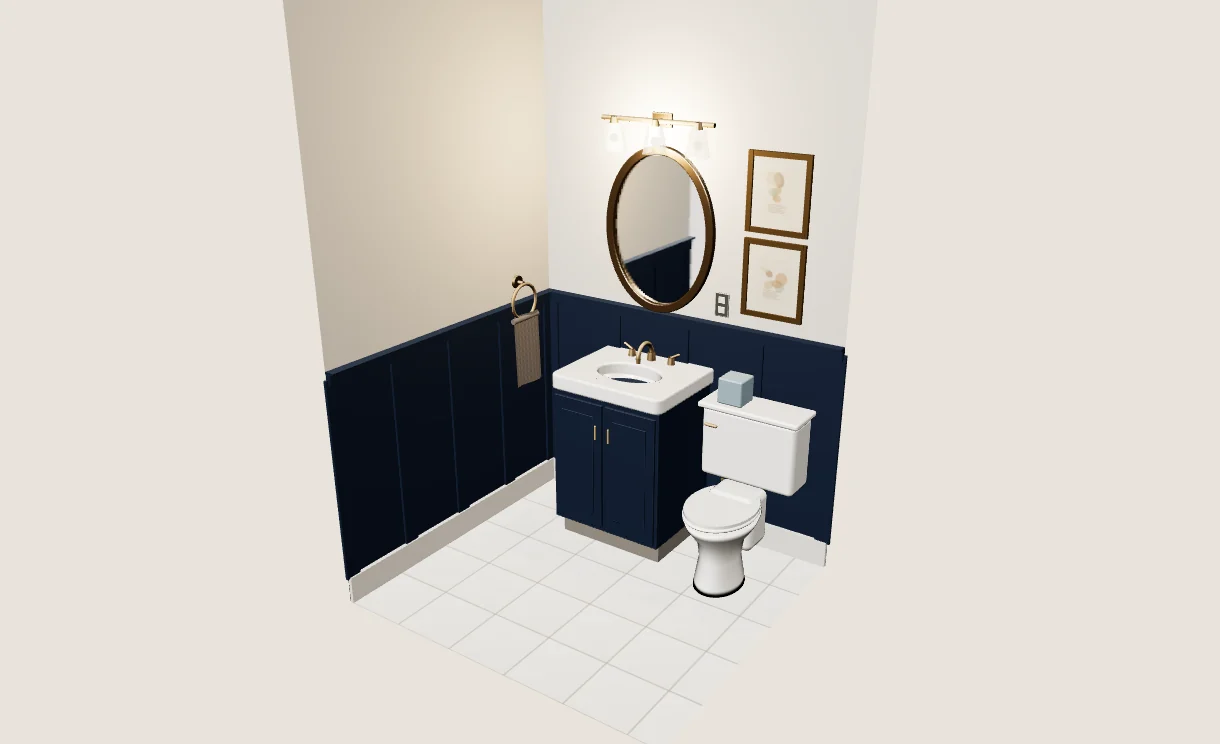
A dark scheme, carried up onto the ceiling.
Light
Four lighting moods: Vanity bulbs, warm 2700K and how the room really looks; Daylight, cool and close to the store; Evening, dimmed low and amber; and Color check, flat white light for judging true color. The same scheme can read as four different rooms.
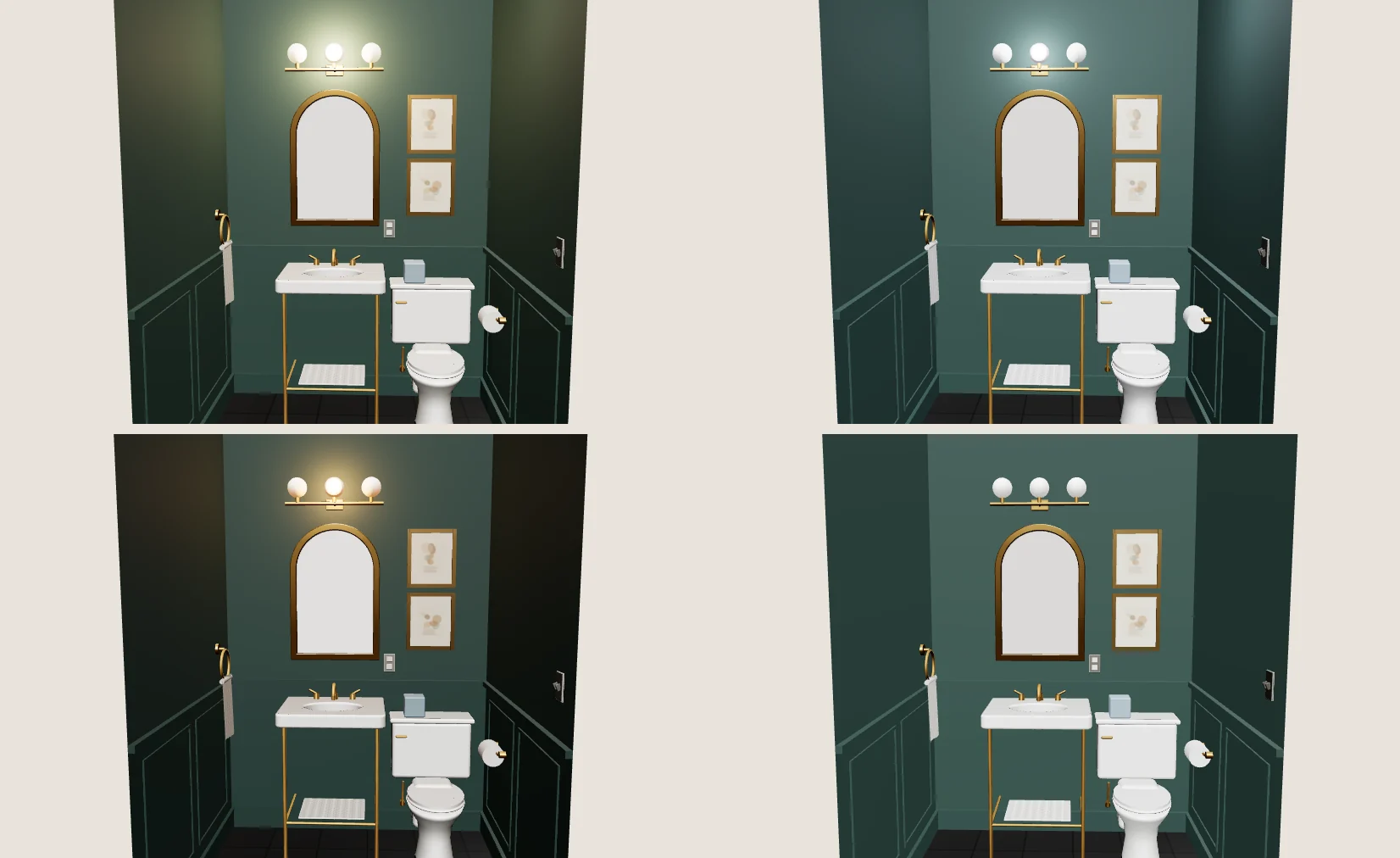
Vanity bulbs, Daylight, Evening and Color check, standing inside the room.
Room & Estimate
Enter the room’s real size, measured wall to wall at the floor, and dimension lines show it in place. The estimate turns every painted surface into gallons or quarts and the wallpaper into rolls, and the whole scheme copies out as a shopping list, with a reminder to check a physical sample before buying.
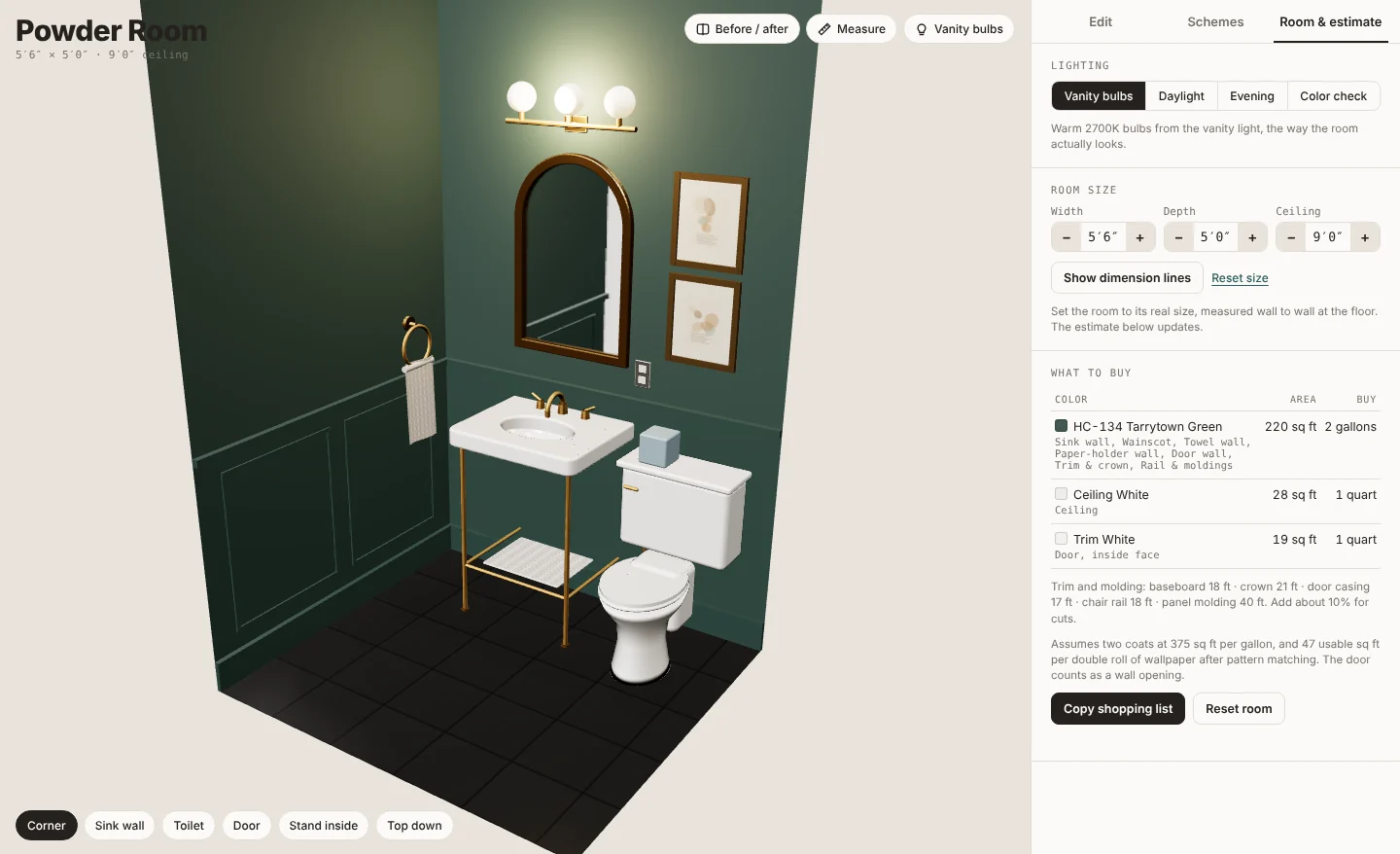
Room & estimate: light, size and how much to buy.
Try it
This one is live. Orbit the room, click a surface and repaint it, then turn on Before / after and drag the split to compare it with the original. Schemes save on this device.
Not a mockup. Or open it full screen.
Summary
Room Editor turns a paint chip into a room. It answers the two questions that come before every can of paint: what will it look like in here, and how much do I need?