Music Box
A persistent, site-wide mini player that follows visitors from page to page.
Context
Every other case study on this site documents somebody else's product. Music Box documents this one — a persistent mini player built directly into the portfolio, pinned to the screen on every page and connected to a real playlist.
Pinned to the bottom of the screen and always in reach — it stays put and keeps playing as visitors move from page to page.
Problem
A portfolio site is static by nature — visitors land, scroll, and leave. There was no ambient signal that the site was actually alive, and nothing for a visitor to directly interact with beyond reading and clicking through case studies.
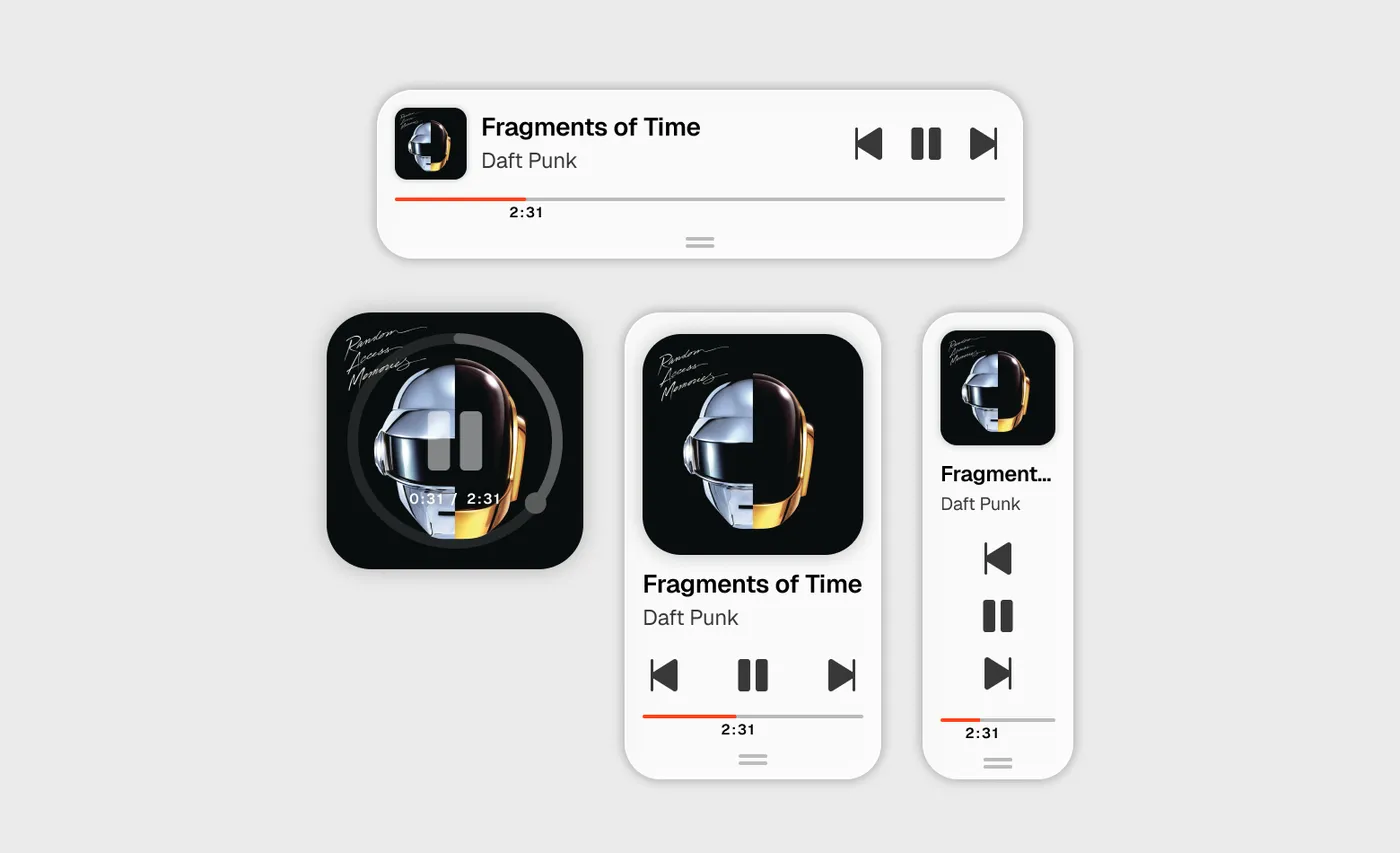
Exploring the form — a circular album-art player, a square, a vertical stack — before settling on the compact bar.
Role & Approach
I designed and built Music Box myself, end to end, iterating directly against the live site rather than a static mock — every version got tested in a real browser, on real devices, before moving to the next decision.
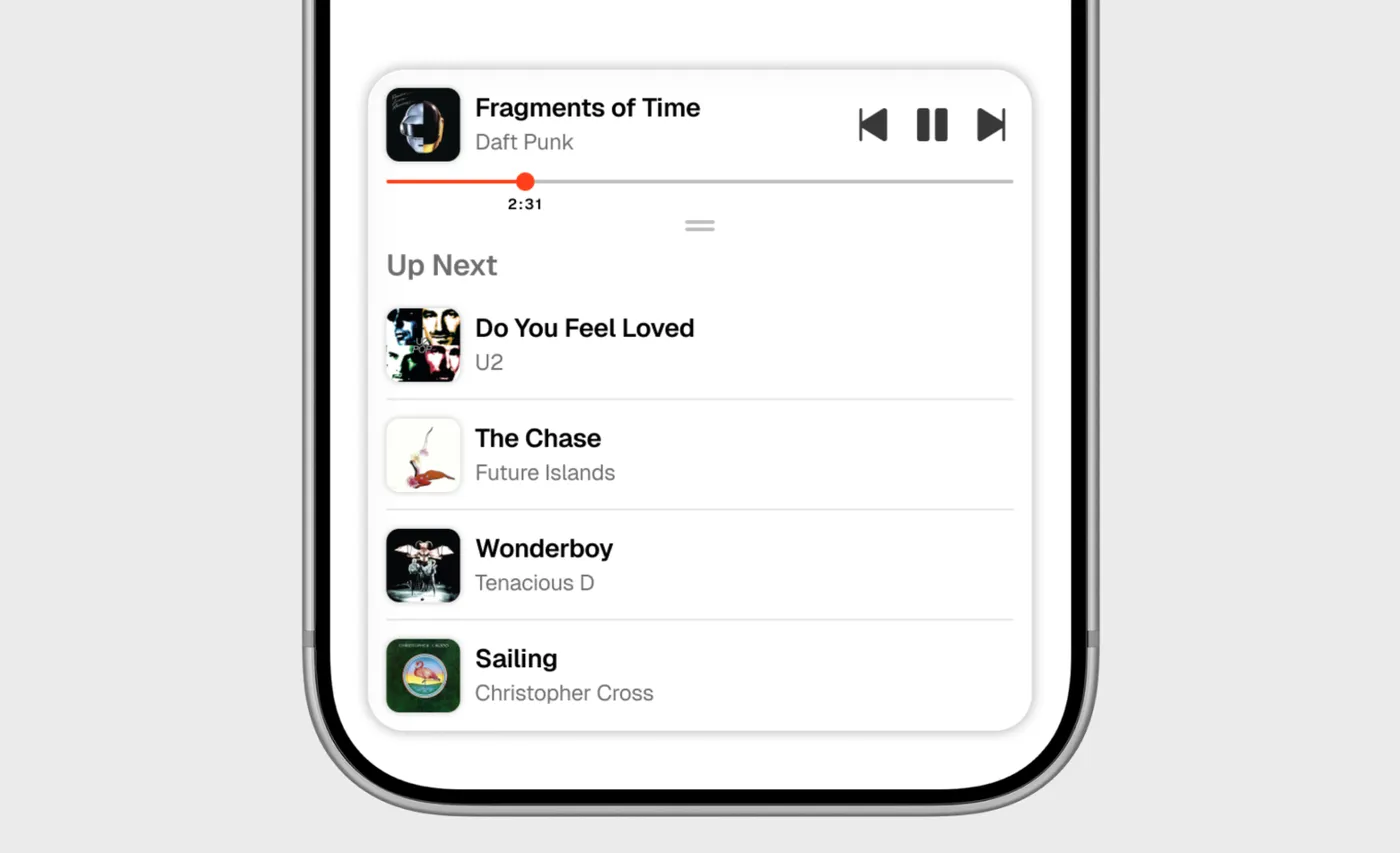
Every state built and tested on real devices — here the expanded Up Next queue running on iPhone.
Process
The first version was a compact pill — album art, title, artist — that toggled play on tap. I added dedicated skip-back, play/pause, and skip-forward controls to match a proper transport bar, then reworked its width and position through several passes: paired with the footer, centered on the page, and finally locked to a fixed 360px width on desktop so it reads as its own element instead of stretching arbitrarily wide.
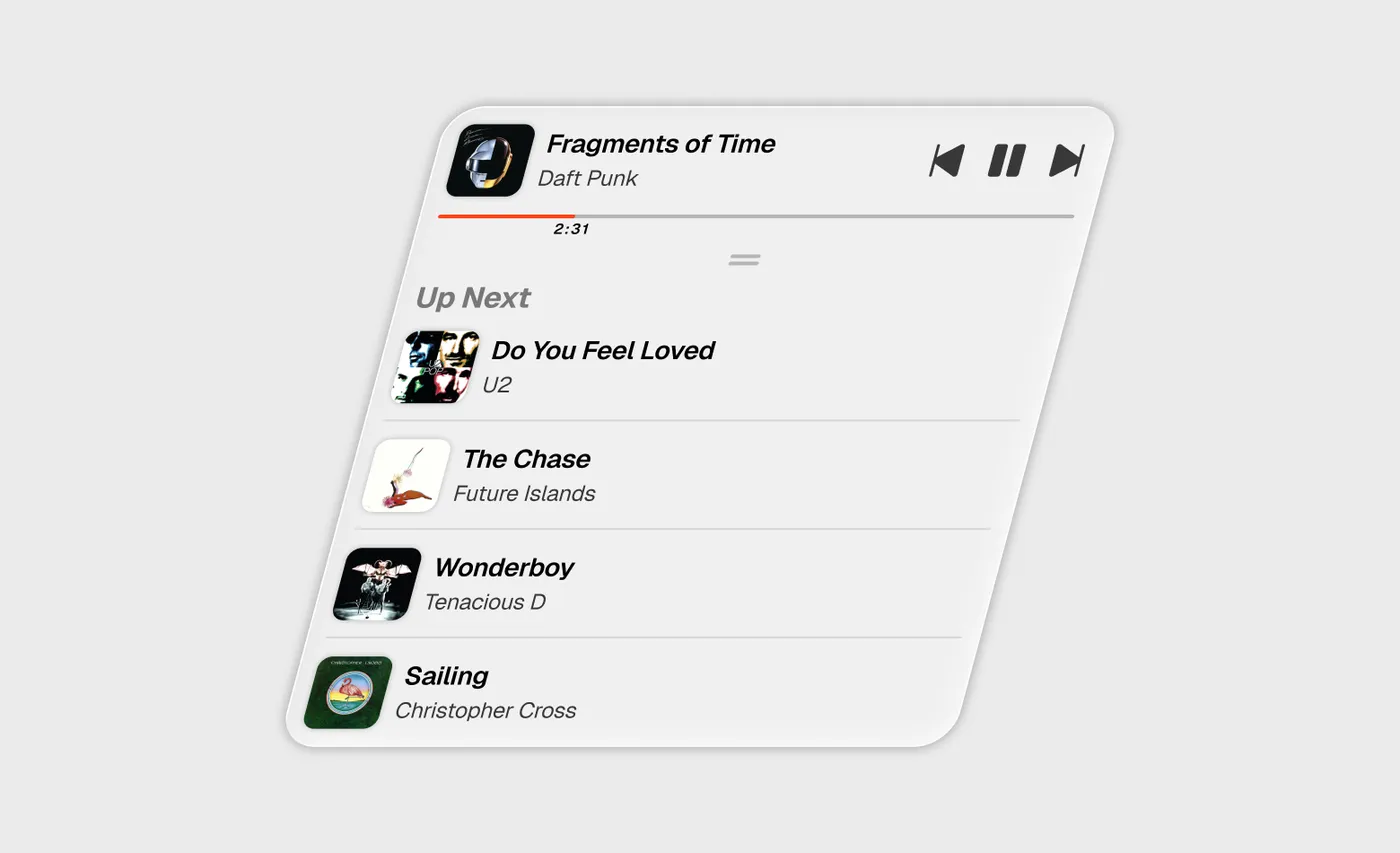
Pull up on the handle and the bar grows into a full Up Next queue, each track one tap away.
USER Journey
A visitor lands on any page and the bar is already there, pinned at the bottom, cued and ready — title, artist, and art show up immediately, with no autoplay involved; playback only starts once the visitor presses play. A drag handle beneath the progress bar opens Up Next with a swipe or a tap, and any track in it is one tap away. On mobile it goes further: after 10 seconds idle it slides most of the way off-screen, leaving the album art peeking in as a handle, and a swipe in either direction brings it back or parks it again — always the visitor's call, not a timer's.
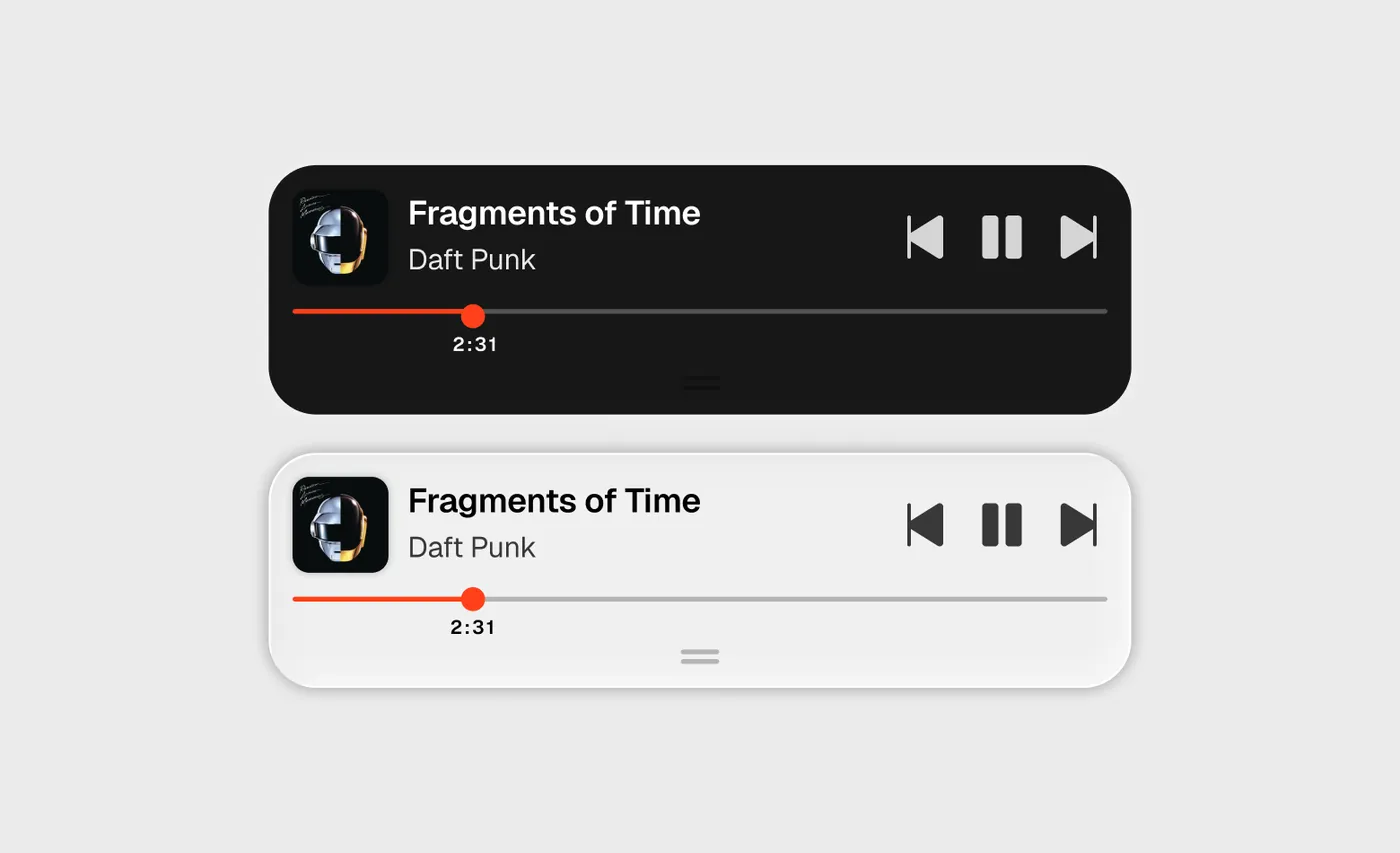
What visitors actually touch — a draggable scrubber and transport controls, rendered for both light and dark.
Constraints
The whole thing runs on YouTube's IFrame Player API with no API key, which meant designing around real limits: autoplay-with-sound is blocked everywhere without a prior gesture; there's no way to know a playlist's length before loading it once, which shapes how track randomization has to work; and swipe handling on mobile had to explicitly hand vertical scrolling back to the browser while claiming horizontal drags for itself, or dragging the bar would drag the whole page along with it.
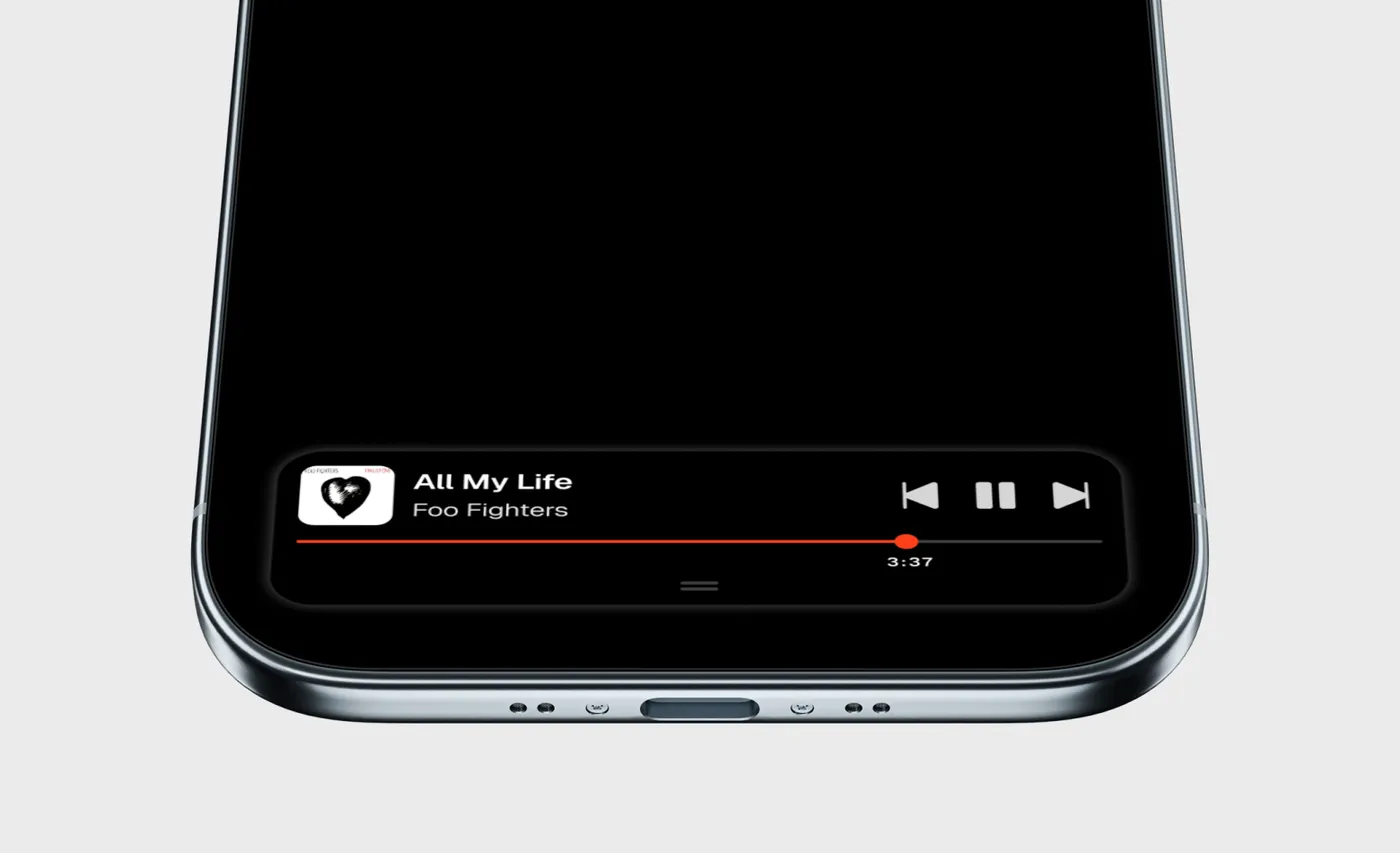
Built on YouTube's IFrame API with no key — tucked above the home indicator and re-themed to match a dark page.
Before / After
Before: every page was the same static experience regardless of how long a visitor stayed. After: a small, real, working feature that plays music, responds to taps and swipes, and quietly matches its own color scheme to light or dark mode instead of fighting it.
Not a mockup — a real, working Music Box. Press play, skip around the shuffle, drag the scrubber, and pull up the handle for Up Next. Flip the site's theme and it re-colors to match.
Summary
Music Box turned the portfolio itself into a small case study — not a mockup of a decision, but the decision, tested and shipped on the live site. It's a persistent, theme-aware, gesture-driven mini player that follows visitors across every page they visit.
Next Steps
Live and iterating. The metadata-normalization and queue-view gaps that shaped the last redesign are closed — next up: persisting playback position across page navigations instead of restarting fresh on every load, and a volume control now that the transport row has room for one.